Framing products
Camera Angles That Show Product Detail
A product video does not need many shots. It needs the right three, filmed cleanly and in a consistent order.
In this guide
The three-quarter view
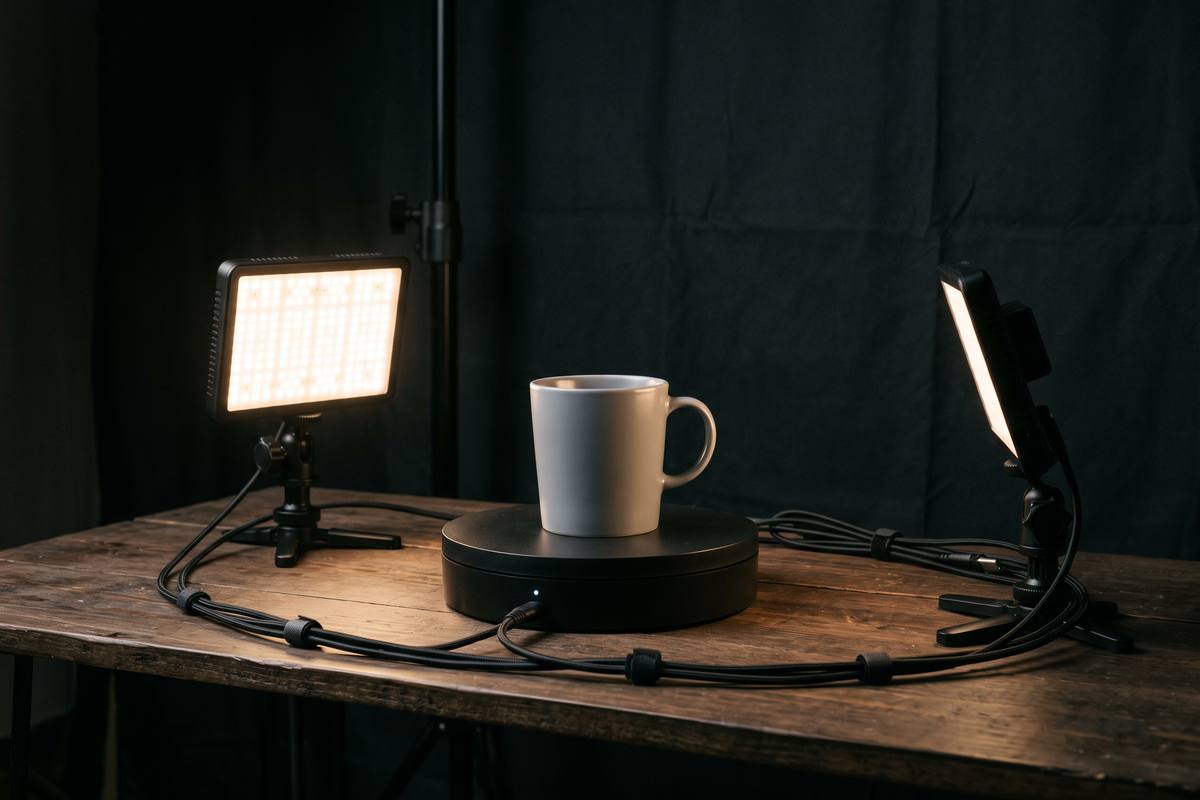
The three-quarter view shows two faces of the object at once and is the most informative single angle you can film. Set the camera slightly above the product and rotate the product, not the camera, until the identifying feature is clearly visible.
This is the shot that should open the video. Film it first, while the product is untouched and the lighting is fresh.
The low view for scale
Bring the camera down to the level of the surface, or slightly below the product's midpoint, and film along the table. This angle makes small objects feel substantial and shows the profile clearly.
At this height, the background is usually the far edge of the table and the backdrop. Check that the transition between them is out of focus, otherwise the horizon line will cut through the product.
- Three-quarter: shape and identifying features
- Low: profile, scale and presence
- Top: layout, contents and how parts fit together
- Close detail: material, texture and finish
Focus and small movements
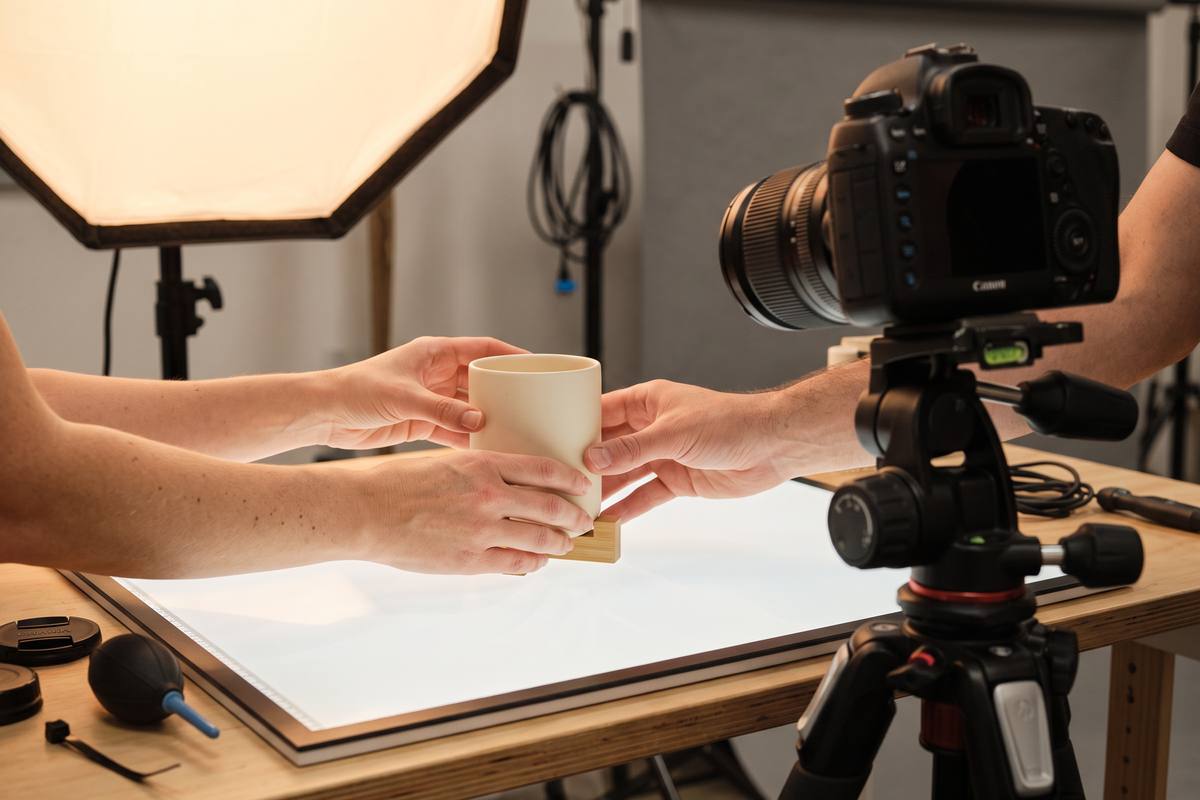
At table distance, depth of field is shallow. Lock focus on the part of the product that matters most and keep the camera distance constant while the product rotates, rather than letting the phone hunt for focus mid-shot.
Small movements read better than large ones. A slow quarter rotation, a lid opening, or hands entering to turn the object all show shape without the risk of losing sharpness.
A consistent order for a range
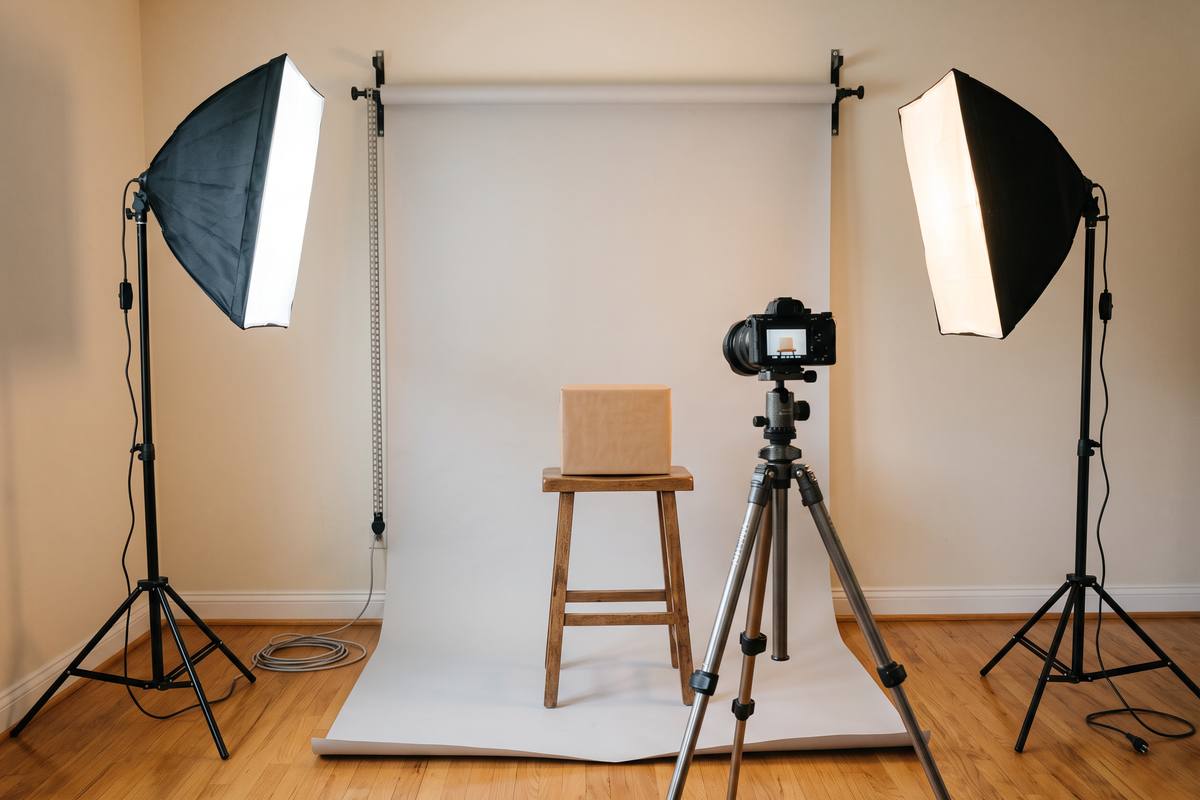
Film every product in the same order and from the same three positions, with the marks on the table unchanged. When the videos sit next to each other in a shop or on a launch page, that consistency reads as care.
Keep the same lighting, the same surface and the same camera height across the range. Change only what the product requires — usually the rotation angle and the detail shot.
Key takeaways
- Open with the three-quarter view; it carries the most information.
- Drop to surface level for scale and profile.
- Lock focus and keep the camera distance constant while the product moves.
- Film a whole range from identical positions for consistency.
StudioNine Video editorial teamWritten by a tabletop studio team that films small products every week, with the setups photographed on the same tables we describe.
How many shots does a product video need?
Between four and six for a simple product: three angles plus one or two details. More shots rarely add information and always add filming time.
Should I use a turntable?
A turntable is useful for consistent rotation, especially across a range. A slow manual rotation is perfectly acceptable if the movement is smooth.
Do I need a tripod for every shot?
For the three main angles, yes, because it keeps positions repeatable. Handheld is fine for the detail shots where a small movement adds life.